In select U.S. states, residents can add their driver’s license or state ID to the Apple Wallet app on the iPhone and Apple Watch, and then use it to display proof of identity or age at select airports and businesses, and in select apps.
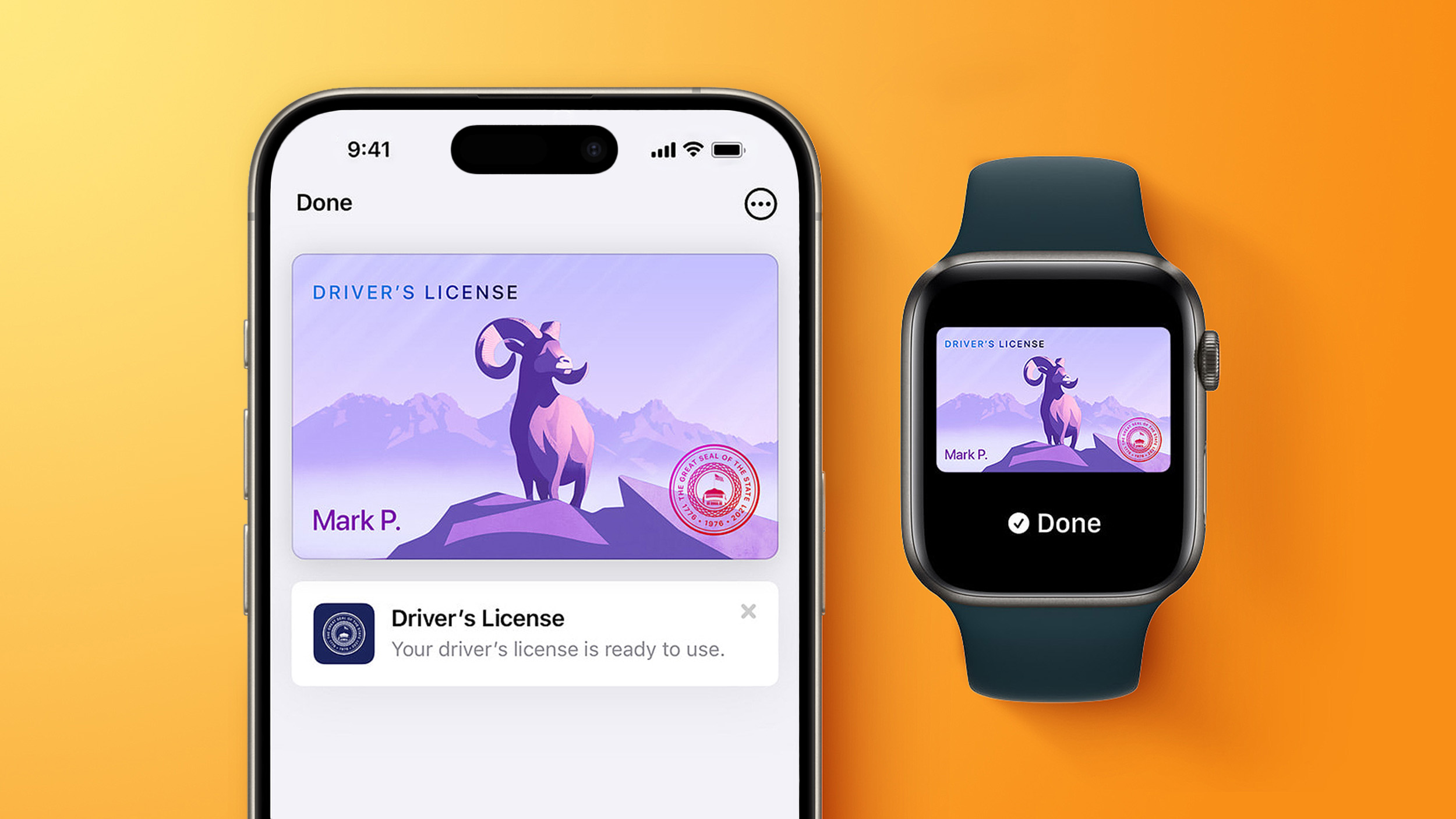
The feature is currently available in 13 U.S. states and Puerto Rico, and it is expected to launch in at least seven more in the future.
To set up the feature, open the Wallet app and tap on the plus sign in the top-right corner. Next, select Driver’s License and ID Cards and follow the steps.
The following 13 states offer driver’s licenses in the Wallet app:
The feature is also available in Puerto Rico.
Apple and local DMV offices have announced that the following U.S. states have signed on to adopt the feature, but no timeframes were disclosed:
Apple Wallet IDs are accepted at TSA checkpoints in more than 250 airports in the U.S., for domestic travel. Given that Apple Wallet IDs are not accepted by law enforcement, and lack many other use cases, carrying a physical ID is still necessary.
Here are just some of the airports that offer the feature — there are hundreds of others:
Travelers should refer to TSA signage to confirm availability of the feature.
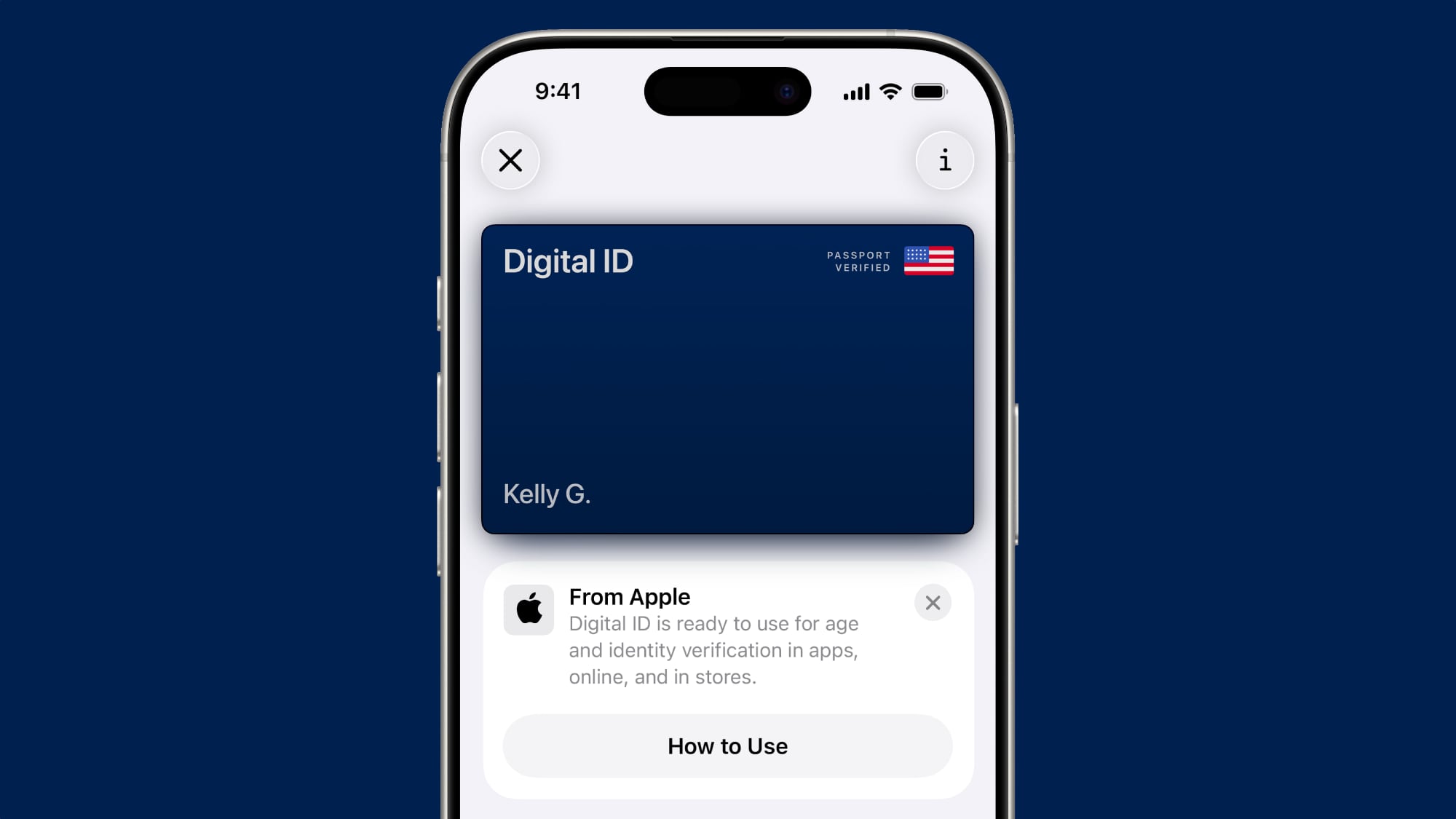
If you live in a state that does not yet offer Apple Wallet IDs, you can now create a Digital ID based on your U.S. passport, and present it at the same participating TSA checkpoints, for age and identity verification purposes during domestic travel. It is not a replacement for a physical passport, and it cannot be used for international travel.
This feature requires iOS 26.1 or watchOS 26.1 and later.
This article, “These U.S. States Plan to Offer iPhone’s Driver’s License Feature” first appeared on MacRumors.com
Discuss this article in our forums